Every password stored in a password manager is protected by a single credential: the master password. If that master password is weak, guessable, or reused elsewhere, the security benefit of using a manager is severely diminished. If it is so complex that you forget it, you may permanently lose access to every stored credential. The master password is the one password that must simultaneously be very strong, completely memorisable, and unique — making it the ideal use case for a randomly generated passphrase.
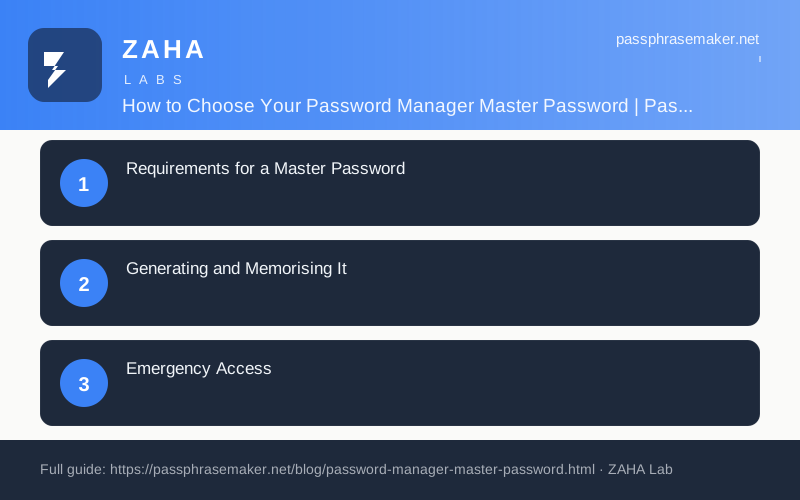
Requirements for a Master Password
| Requirement | Why | Passphrase advantage |
|---|---|---|
| Sufficient entropy | Resists brute-force attacks on the encrypted vault | 5 words ≈ 64 bits — resistant to all current attacks |
| Fully memorisable | You must be able to enter it on any device, always | 5 ordinary words are memorised in one sitting and retained long-term |
| Unique | Must not be used anywhere else | A randomly generated passphrase is almost certainly unique |
| Not personally guessable | Resists targeted guessing using known personal details | Random selection removes all personal associations |
Generating and Memorising It
- Use the Passphrase Maker to generate a 5-word passphrase. Use the 6-word preset if you are particularly security-conscious.
- Write the passphrase on paper. Read it aloud several times.
- Type it 10 times in a text editor (then delete the file — this is muscle memory practice only).
- Test yourself after 30 minutes, 2 hours, and the next morning. If you cannot recall it, repeat the typing exercise.
- Store the written copy in a physically secure location — a home safe, a sealed envelope with important documents, or using your manager's Emergency Kit feature.
- When confident it is memorised and backed up, begin using it as your master password.
Emergency Access
Configure your password manager's emergency access or recovery feature immediately after setup. Bitwarden allows a trusted person to request access to your vault after a configurable waiting period. 1Password provides an Emergency Kit — a printable document containing your Secret Key — generated at account creation. Without these recovery mechanisms, a forgotten master password permanently locks you out of your vault. Configure them before you need them.