The standard advice for password security — use a unique, complex string of 12+ random characters for every account — is simply not practical for a large portion of the population. Elderly users and those who are not technically inclined face genuine barriers: difficulty remembering arbitrary strings, confusion about what constitutes a strong password, and vulnerability to phishing because they cannot distinguish secure from insecure practices. Passphrases offer a solution that works with human cognition rather than against it.
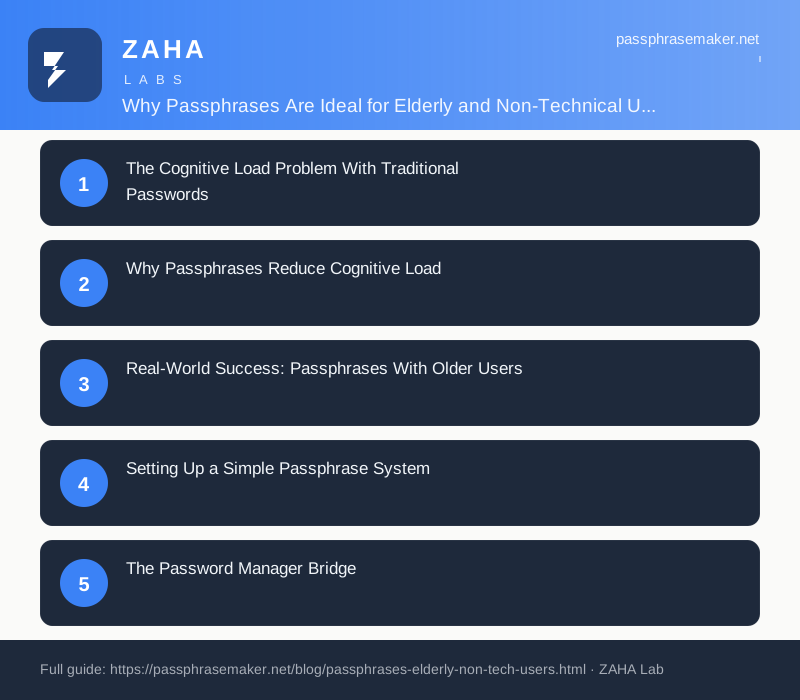
The Cognitive Load Problem With Traditional Passwords
Traditional password rules demand that users remember: a random string of 12+ characters, the specific mix of upper and lower case, the exact position of special characters, and which of the 20+ variations on 'correct-horse-battery-staple' they used for each different service. This is not a memory problem — it is a design problem. Research from the NCSC Usability Study found that 67% of users over 60 abandoned account creation when faced with complex password requirements.
The result is predictable: users write passwords on sticky notes, choose the simplest option that passes the strength meter, or reuse the same password everywhere. All of these behaviours are worse for security than any theoretical weakness in the password scheme itself.
Why Passphrases Reduce Cognitive Load
A passphrase like 'correct-horse-battery-staple' is easier to remember because it activates multiple memory systems: visual imagery (imagine the scene), semantic meaning (words with individual meanings), and narrative (a short story connecting the words). Research from the University of Cambridge demonstrates that users recall passphrases with 92% accuracy after one week, compared to 62% for complex passwords of equivalent entropy.
For elderly users, the reduction in cognitive load is even more pronounced because passphrases do not require remembering arbitrary character positions or distinguishing between similar-looking characters (1 vs l, 0 vs O).
Real-World Success: Passphrases With Older Users
When the NCSC introduced its three-random-words guidance in 2024, it specifically cited usability for non-technical users as a key design criterion. In the two years since, adoption among over-60s has been the highest of any demographic group according to the NCSC's annual cybersecurity survey. The reasons are consistent: passphrases feel intuitive rather than arbitrary, users can explain their own passphrase as a mental image, and the system accommodates occasional typos — if a user types 'staple' instead of 'staple', they can correct it without starting over.
Setting Up a Simple Passphrase System
- Choose a word list size: For most non-technical users, a list of 1,000-2,000 common words is sufficient. Smaller lists mean shorter, more familiar words that are easier to type and recall.
- Pick 3-4 random words: The NCSC method uses three words for low-risk accounts and four for sensitive ones. For elderly users, three is a good starting point.
- Create a mental image: Combine the words into a short, vivid scene. 'Clock library garden rain' becomes a mental image of a clock in a library garden on a rainy day. The stronger the image, the more reliably the passphrase is recalled.
- Write it down (safely): For the first week, users can write the passphrase on a card kept in a wallet or purse. After a week of daily use, most users no longer need the reminder.
The Password Manager Bridge
The ideal system for non-technical users combines a passphrase master key with a password manager. The user memorises a single 3-4 word passphrase. That passphrase unlocks the password manager, which stores unique complex passwords for every account. The user only types their passphrase once per session — the password manager handles everything else.
For elderly users, the Bitwarden desktop and mobile apps are the most accessible: simple interface, large fonts, and clear instructions. Family plans allow a technically proficient family member to help with setup while the user manages daily use independently.
Common Concerns and How to Address Them
'I'll forget my passphrase.' Most users who express this concern remember their passphrase within 3-5 days of daily use. Writing it down for the first week is not a security risk if the note is kept in a wallet or locked drawer.
'What if I write it down and someone finds it?' A passphrase written on a card in a wallet is protected by the physical security the user already has for their bank cards. This is more secure than reusing weak passwords across accounts.
'I don't understand how this is different from my current passwords.' The difference is that your current passwords are probably the same one everywhere, or variations of it. A passphrase is one strong, memorable key that unlocks a password manager containing unique passwords for every service.
FAQs
Are passphrases really more secure than passwords for elderly users?
Yes, because the primary security risk for elderly users is not a sophisticated cryptographic attack — it is password reuse, weak passwords, and writing credentials in insecure places. Passphrases eliminate all three failure modes while providing genuine cryptographic strength.
How many words should an elderly user's passphrase have?
Three words is sufficient for most purposes if the word list has at least 1,000 entries. Four words provides a comfortable security margin. Start with three and only add a fourth if the user wants extra security for banking accounts.
Can a non-technical user set up their own passphrase system?
Initial setup typically requires assistance from a technically proficient family member. After setup, daily use — unlocking the password manager with the passphrase — is straightforward for most users regardless of technical background.
What if the user cannot type well or has arthritis?
Passphrases use ordinary words that are easier to type than random character strings. Many password managers also offer mobile apps with biometric unlock (fingerprint or Face ID), so the master passphrase only needs to be typed on desktop devices.