Passphrases solve the memorability problem — four random words are far easier to recall than a string of random characters. But even the most memorable passphrase needs a home. You cannot remember unique passphrases for every account you own. The solution is not to abandon passphrases but to use the right storage strategy: a password manager for day-to-day use, recovery codes for emergencies, and physical backups for worst-case scenarios.
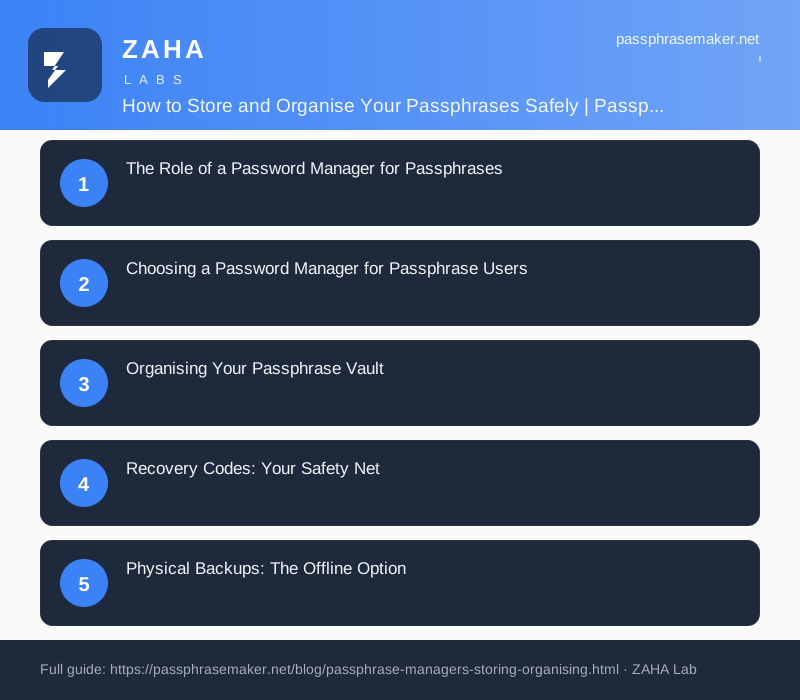
The Role of a Password Manager for Passphrases
A password manager stores all your passphrases in an encrypted vault, protected by a single master passphrase that you memorise. This is the only passphrase you need to remember. Every other account gets a unique, complex passphrase generated by the password manager and stored automatically. The vault syncs across your devices — phone, laptop, tablet — so your passphrases are available wherever you need them.
The NCSC recommends password managers as the most practical solution for password security. For passphrase users, the same logic applies: the password manager handles the complexity of unique credentials per service while you focus on protecting a single, strong master passphrase.
Choosing a Password Manager for Passphrase Users
Not all password managers handle passphrases equally well. Look for these features: built-in passphrase generator (Diceware-style, not just a character string), support for long passphrases (many services have character limits — passphrases of 4+ words are typically 25-40 characters), encrypted vault export for backups, and cross-platform sync (phone, desktop, browser extension).
Bitwarden has a built-in passphrase generator using the EFF word list. 1Password offers a similar feature. Both support unlimited-length vault entries. For passphrase-focused users, Bitwarden's open-source transparency and lower cost make it the recommended choice.
Organising Your Passphrase Vault
Organise your vault using folders or tags: Personal Accounts (email, banking, social media), Work Accounts (if using the same manager for personal and business), Shared Accounts (for family members — streaming services, shared shopping accounts), and Recovery Codes (a separate folder for one-time recovery codes).
Each vault entry should store: the account URL, your email/username, the generated passphrase, and any security questions or recovery codes. Use the password manager's notes field to record which word list was used if you generated the passphrase manually.
Recovery Codes: Your Safety Net
Recovery codes are one-time-use strings that grant access to your password manager vault if you forget the master passphrase. Every reputable password manager generates these during initial setup. Print them immediately and store them in a physically secure location: a home safe, a bank safety deposit box, or with a trusted family member.
Without recovery codes, forgetting your master passphrase means losing access to every stored passphrase — which means losing access to every account. This is not a security flaw; it is the design. The recovery code is the intentional back door, and only you can protect it.
Physical Backups: The Offline Option
For maximum resilience, maintain an encrypted backup of your password manager vault. Export the vault as an encrypted JSON or CSV file (most managers offer this). Store the file on an encrypted USB drive in a fireproof safe. Update the backup every time you add a significant number of new accounts.
Physical backups protect against: password manager service going offline, account suspension or lockout, forgotten master passphrase combined with lost recovery codes, and natural disasters destroying your primary device. For most people, the recovery code + digital backup is sufficient. Physical backups are for those with a low tolerance for credential loss.
Common Passphrase Storage Mistakes
Mistake 1: Saving passphrases in browser autofill. Browser-stored passphrases are accessible to anyone with physical access to your device and are often synced to personal cloud accounts outside your control.
Mistake 2: Using the same master passphrase across multiple services. Your password manager master passphrase is the key to everything. Do not reuse it anywhere else — not for your email, not for social media, not ever.
Mistake 3: Skipping MFA on the password manager. The password manager vault must have MFA enabled. Without it, your master passphrase is the only barrier to every stored credential.
FAQs
Can a password manager store passphrases as well as passwords?
Yes. Every modern password manager handles both passwords and passphrases. The vault stores whatever credential you enter — there is no technical distinction between a password and a passphrase from the manager's perspective.
Should I use the same password manager for personal and work passphrases?
No. Keep personal and work credentials in separate password manager accounts. A compromised personal vault should not grant access to work systems, and vice versa. Use separate master passphrases for each.
How often should I back up my passphrase vault?
After any significant change: adding 5+ new accounts, changing your master passphrase, or modifying recovery options. A quarterly export schedule is sufficient for most users with stable account sets.
Are cloud-based password managers safe for passphrases?
Yes. Bitwarden, 1Password, and Keeper all use zero-knowledge encryption — your master passphrase never leaves your device. The provider stores encrypted data but cannot read it. Always choose a provider that publishes regular third-party security audits. 🎓 Save 50% Off