How to Make a Strong Password You Can Actually Remember: 5 Methods That Work
You don't have to choose between security and memory. A password can be long, complex, and genuinely hard to crack, and still be something you can recall without a sticky note.
The trick is building it around something your brain already holds, then making it technically strong. Here's exactly how.
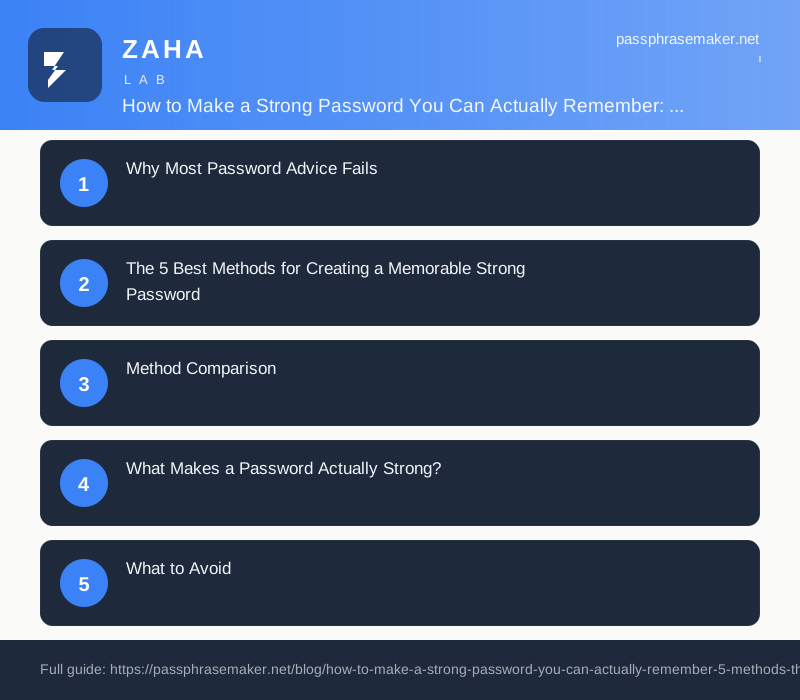
Why Most Password Advice Fails
Security guides tell you to use random strings like xK7#mP2$qL. That's strong, and completely forgettable. So people either write it down (which defeats the purpose) or reuse the same weak password everywhere (which is worse).
The real goal is a password that scores high on both axes: entropy (how hard it is to guess) and memorability (how easy it is for you). These aren't opposites.
The 5 Best Methods for Creating a Memorable Strong Password
1. The Passphrase Method (Recommended)
String four or more unrelated words together. Think: CoffeeBridgeSandal72
This works because length is the single biggest factor in password strength. A 20-character passphrase beats a 10-character random string every time against brute-force attacks. Your brain also holds arbitrary word chains better than it holds random characters, especially if you let yourself picture the image (a coffee cup balancing on a bridge wearing a sandal).
To build one:
- 1. Pick four words that don't normally appear together
- 2. Add a number (not 1234)
- 3. Capitalise at least one word
- 4. Add a symbol, or replace a letter with one (
C0ffeeinstead ofCoffee)
Result: C0ffeeBridgeSandal72, 20 characters, mixed case, number, symbol. Cracking time on current hardware: decades.
2. The First-Letter Sentence Method
Take a sentence you'll never forget and use only the first letter of each word.
Example: "My dog Biscuit turned 3 in October and loves swimming" → MdBt3iOals
Add a symbol and capitalise a few more letters: MdBt3iO@ls
This is genuinely hard to crack (10+ characters, varied case, symbol, number) and genuinely easy to remember if you can recall the sentence.
Best source sentences: childhood memories, inside jokes, song lyrics you know cold, dates + events.
3. The Modified Base-Word Method
Pick a word you can associate with the site or service, then mutilate it consistently.
Example base: your nickname is "Hawk"
Apply a personal ruleset: capitalise the last letter, replace vowels with symbols, add your birth year reversed: HawK → H@wK → H@wK2891
As long as your ruleset is consistent and not obvious (don't just add 123 at the end), this generates unique, site-memorable passwords from a single system.
Limitation: If an attacker gets two of your passwords and notices the pattern, the rest are compromised. Don't use this as your only method.
4. The Acronym + Numbers Method
Similar to Method 2 but with a numerical anchor baked in.
"I moved to London in 2019 and hate the Tube" → ImtLi19&htT
The year inside the sentence becomes part of the password naturally. Years are memorable but also add entropy when placed mid-string rather than at the end.
5. The Visual Keyboard Walk Method
Trace a shape on your keyboard: QwAsZx (Z-shape down the left side).
Add numbers and symbols to the path: Qw@AsZx9
Caution: Common shapes (qwerty, asdf, zxcvbn) appear in every cracking dictionary. Use an unusual or asymmetric shape and capitalise inconsistently. If you go this route, test it with a strength checker first.
Method Comparison
| Method | Length Potential | Memorability | Crack Resistance | Best For |
|---|---|---|---|---|
| Passphrase | ★★★★★ | ★★★★☆ | ★★★★★ | Master passwords, email |
| First-Letter Sentence | ★★★☆☆ | ★★★★★ | ★★★★☆ | Accounts you log into daily |
| Modified Base Word | ★★★☆☆ | ★★★★☆ | ★★★☆☆ | Per-site passwords |
| Acronym + Numbers | ★★★☆☆ | ★★★★☆ | ★★★★☆ | Work accounts |
| Keyboard Walk | ★★★☆☆ | ★★★★★ | ★★☆☆☆ | Low-stakes accounts only |
What Makes a Password Actually Strong?
These are the technical criteria any method needs to meet:
Length first. Every additional character multiplies possible combinations exponentially. Twelve characters is the minimum for any account that matters. Sixteen is better. Twenty is excellent.
Character variety. Use uppercase, lowercase, numbers, and symbols. Not all at the end, woven in. Password1! scores worse than P@ssw0rd despite both having symbols, because the pattern is predictable.
No dictionary words in isolation. Single common words, even obscure ones, appear in cracking dictionaries. trampolinist is long but crackable. TrampolineSnowfall88 is long and not a dictionary entry.
No personal information. Birthdates, names, pet names, city names, these are all tried first in targeted attacks. Avoid them unless they're deeply buried inside a longer string.
Uniqueness per site. One breach exposes one account, not all of them. This is non-negotiable.
What to Avoid
- - Sequential patterns:
abc,123,qwerty, every cracker tries these - - Substitutions everyone knows:
@fora,3fore,0foro, these are in the dictionaries too - - Short "complex" passwords:
X#7k!looks strong but has too few characters to resist brute force - - Repeating the same password with a number appended:
MyPass1,MyPass2, attackers test this automatically after a breach - - Your name + birth year: First thing a targeted attacker tries
FAQ
What's the minimum length for a strong password? Twelve characters is a defensible floor for general accounts; aim for 16+ for anything sensitive like email, banking, or your password manager master password. Length matters more than complexity because brute-force time scales exponentially with length.
Is a passphrase actually as secure as a random string? Yes, often more so. CoffeeBridgeSandal72 has higher entropy than kP3#xL9 because it's longer. Entropy (the mathematical measure of unpredictability) comes primarily from length and the size of the character pool being drawn from. Four random common words already give you a very large search space.
Should I use a password manager instead of remembering passwords? For most accounts, yes, a password manager lets you use fully random passwords everywhere without any memorisation. But you still need at least one genuinely strong, memorable password: the master password for the manager itself (and your email account, since it's the recovery fallback for almost everything else).
How often should I change my passwords? Change a password immediately if the service reports a breach, if you suspect compromise, or if you shared it with someone who no longer needs access. Arbitrary 90-day rotations are no longer recommended by NIST (the US standards body), forced changes lead to weaker, predictable passwords like MyPass_Spring26.
Does capitalising the first letter make a password stronger? Slightly, but attackers already account for this. A capital at the start barely increases entropy. Capitalising unexpected letters mid-word (coFFee instead of Coffee) adds more unpredictability, because it's not a standard pattern.
Can I use the same method for every password? You can use the same system, but each password should produce a unique output. The Modified Base Word method, for example, is designed to take a different input (the site name) through the same personal ruleset, so results differ. Never reuse the output of any method across multiple accounts.
Next Steps: Build Your Password System Today
- 1. Pick your method. For high-value accounts (email, banking, password manager), use the passphrase method, it's the strongest and easiest to defend. For many daily accounts, the first-letter sentence method works well.
- 2. Generate your first passphrase now. Think of three random nouns and one verb you wouldn't normally connect:
FlamingoBoltSyrup_Runs9. Write down a hint, not the password itself.
- 3. Set up a password manager for everything else. Let it generate fully random passwords for all other accounts. You only need to remember your master passphrase and your email password.
- 4. Enable two-factor authentication on email and any financial accounts. Even a weak password becomes much harder to exploit when 2FA is active.
- 5. Check your existing passwords. Services like Have I Been Pwned let you check whether your email appears in known data breaches, a clear sign to rotate affected passwords.
Strong, memorable passwords aren't complicated to build. Pick a method, practice it twice, and you'll have a system you can rely on without sticky notes.